
Help guide.
The Help button in the plugin opens this guide. It is published here too, so it is easy to find and link to from support emails.
Getting started
Install AdaptiveSDS, open AutoCAD and sign in with your AdaptiveSDS account.
- Download the Windows installer
- Run the installer
- Open AutoCAD 2026 or newer
- Sign in from the AdaptiveSDS ribbon

Select an area
Pick it on the map view, or use a closed polyline already in your drawing.
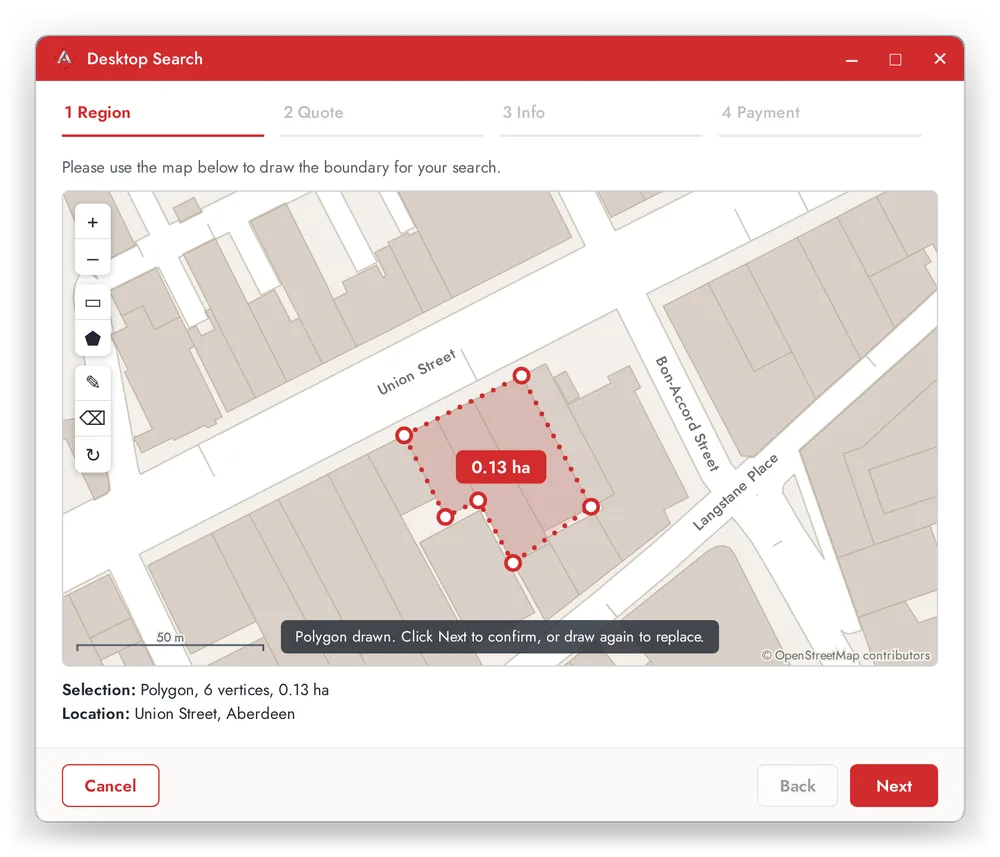
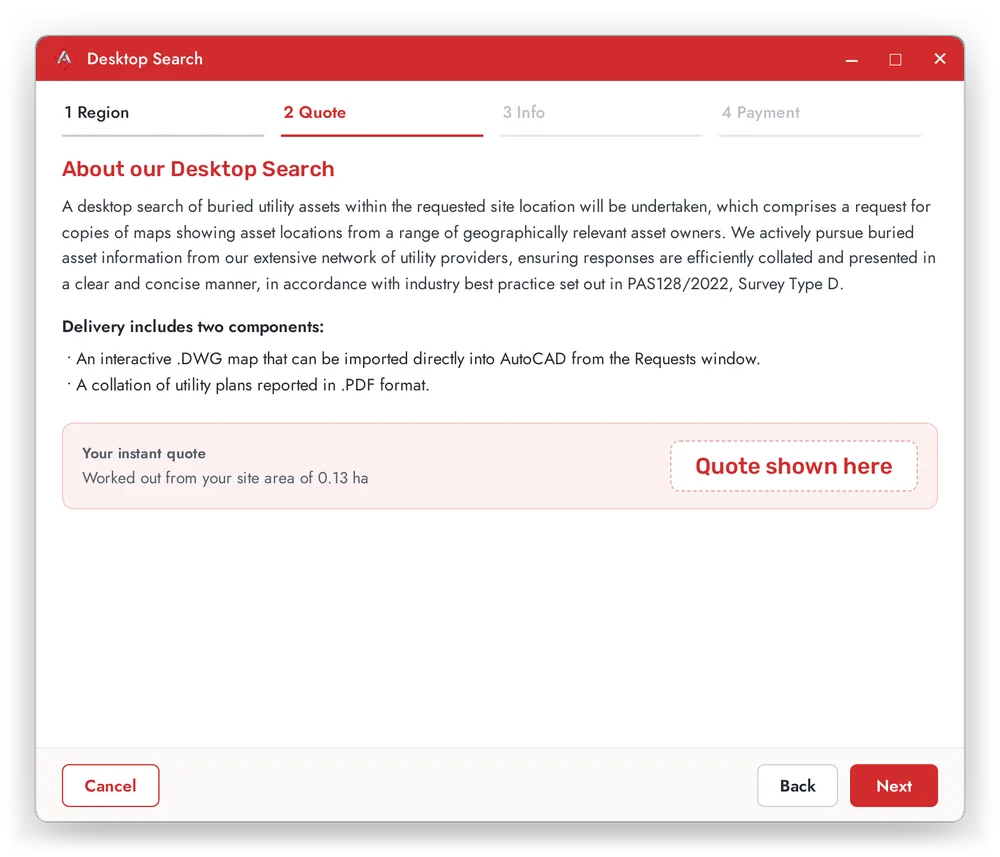
Order a utilities search
The price is worked out from the area you select, so you see it before you commit. You get a confirmation email when you order.
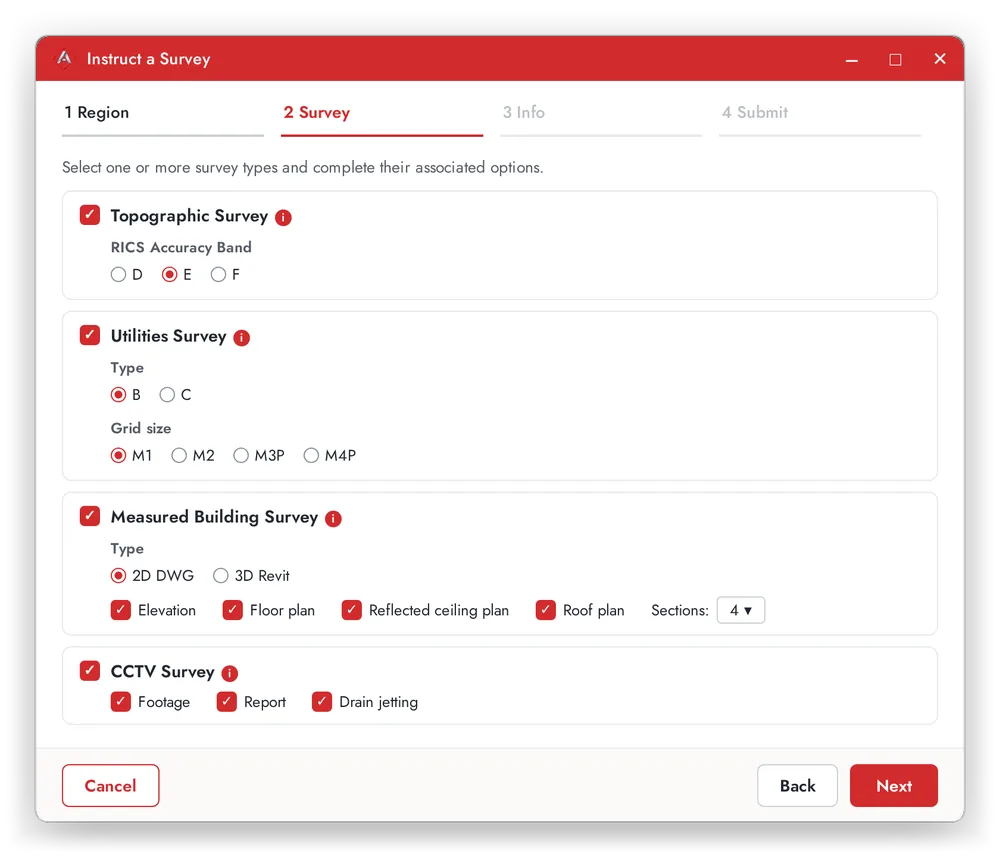
Instruct a survey
Choose from topographic, utilities (PAS 128), measured building or CCTV, add the project details and submit. You will have a quote within 48 hours.
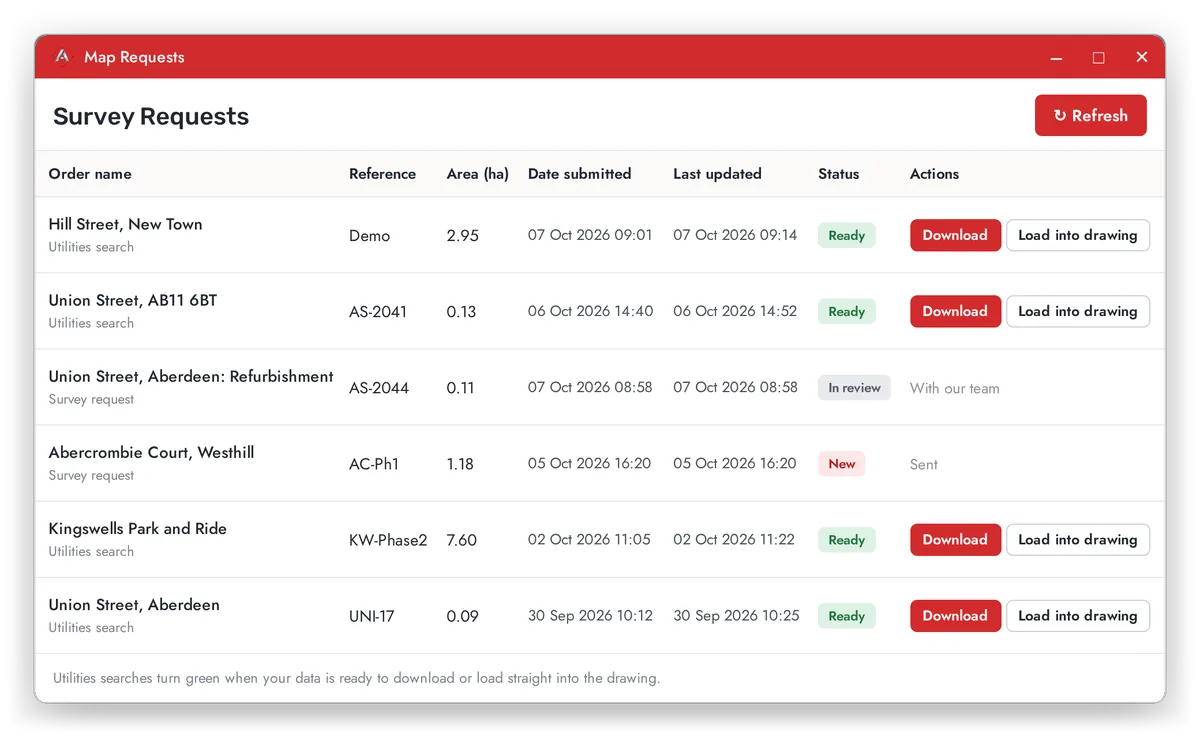
Your requests
The Requests button lists all your orders. A search turns green when it is ready: download the data with the report, or load it into your drawing.
Still stuck?
Email help@adaptivesds.com and the team will help.